
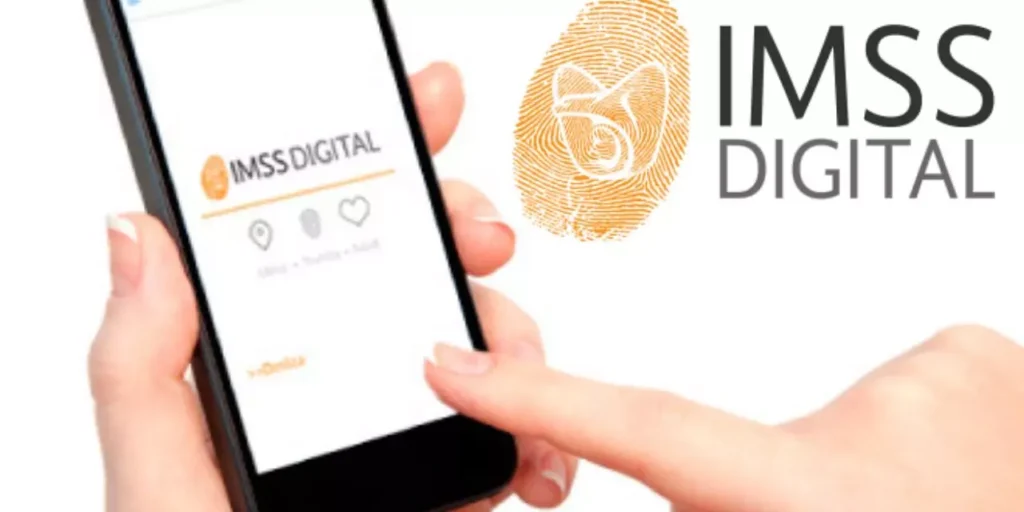
Starting in 2026, the Mexican Social Security Institute (IMSS) offers its beneficiaries the possibility of scheduling medical appointments completely online, avoiding lines and unnecessary trips to clinics. This service is free, available 24 hours a day, 365 days a year, and can be done both from the official web portal and from the IMSS Digital mobile application.
HOW TO SCHEDULE YOUR MEDICAL APPOINTMENT ONLINE?
- Enter the official platform
- Portal web: imss.gob.mx/cita-medica
- Mobile application: IMSS Digital (available in App Store, Google Play and AppGallery)
- Have your data at hand
Before you start, make sure you have:- CURP (Unique Population Registry Key)
- Social Security Number (SSN)
- Personal email to receive confirmation
With this information you will be able to log in, select the date, time and type of consultation for you or any of your beneficiaries.
ADVANTAGES OF SCHEDULING YOUR APPOINTMENT ONLINE
- Avoid lines and waiting: schedule your consultation from home or from your cell phone.
- Service available all year round: includes weekends and holidays.
- Additional procedures: from the app you can check your validity of rights, download your NSS, generate records and follow up on other insurance services.
Important: before requesting your appointment, verify that you are registered with your assigned clinic and that your rights are valid; This can also be consulted from the IMSS app or website.
You may also like
-
The artificial intelligence that could end apps and subscriptions
-
Netflix revolutionizes: New app with vertical videos, already in testing!
-
Samsung Galaxy S26 Ultra leaked!: See the real photos and discover its release date
-
iPhone 18 Pro: Leaks reveal a design focused on power
-
YouTube transforms: CEO reveals “AI Slop” problems and promises solutions